


How to Purchase Ottocast U2 Air Pro for Your Car
- Dom

- May 6
- 4 min read
Upgrading your car’s infotainment system can significantly improve your driving experience. The Ottocast U2 Air Pro is a popular device that brings wireless Apple CarPlay and Android Auto to vehicles with existing infotainment systems. If you are considering this upgrade, buying the Ottocast U2 Air Pro online is a convenient and efficient option. In this post, I will guide you through the key points to consider when purchasing this device online, ensuring you make an informed decision.
Why You Should Purchase Ottocast U2 Air Pro Online
Buying the Ottocast U2 Air Pro online offers several advantages. First, it provides access to a wider range of sellers and competitive prices. You can compare offers from different retailers and find the best deal without leaving your home. Additionally, online stores often provide detailed product descriptions, customer reviews, and technical specifications that help you understand the product better.
Another benefit is convenience. You can order the device at any time and have it delivered directly to your doorstep. This is especially useful for car owners who want to avoid the hassle of visiting multiple stores. Moreover, online purchases often come with return policies and warranties that protect your investment.
When you decide to buy, make sure to check the seller’s reputation and verify that the product is genuine. Official distributors or trusted retailers are the safest options. This ensures you receive a high-quality device that works seamlessly with your car’s system.
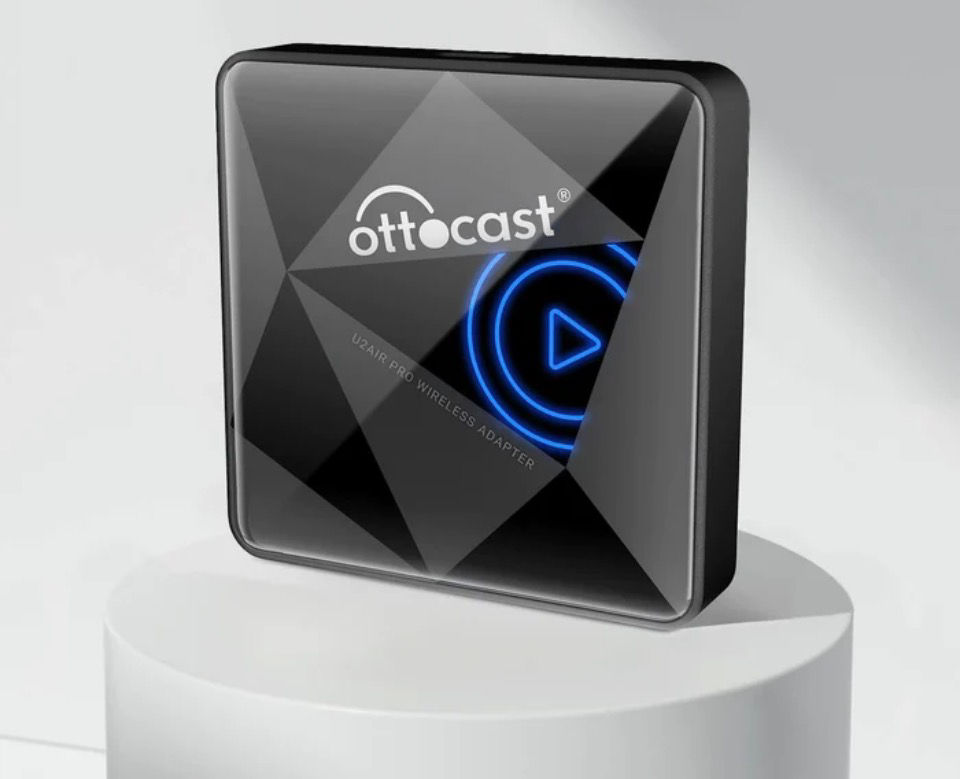
Features That Make Ottocast U2 Air Pro Worth Buying
The Ottocast U2 Air Pro stands out because of its advanced features designed to enhance your in-car technology. It supports wireless Apple CarPlay and Android Auto, allowing you to connect your smartphone without cables. This wireless connection reduces clutter and makes it easier to access apps, navigation, and music while driving.
The device is compatible with a wide range of car models and infotainment systems. It plugs into the existing USB port and transforms your car’s interface into a smart, connected hub. The setup process is straightforward, and the device automatically pairs with your phone after the initial connection.
Performance-wise, the U2 Air Pro offers fast response times and stable connectivity. It supports voice commands, so you can keep your hands on the wheel and eyes on the road. The screen interface is user-friendly, with clear icons and smooth transitions.
In addition, the device receives regular firmware updates that improve functionality and add new features. This means your investment stays current with evolving technology standards.
How to Choose the Right Seller for Your Purchase
Selecting the right seller is crucial when buying the Ottocast U2 Air Pro online. Here are some practical tips to help you make the best choice:
Check for official authorization - Look for sellers who are authorized distributors of Ottocast products. This guarantees authenticity.
Read customer reviews - Reviews provide insights into product quality and seller reliability.
Compare prices - While low prices are attractive, extremely cheap offers may indicate counterfeit products.
Review return and warranty policies - Ensure the seller offers a reasonable return window and warranty coverage.
Look for local shipping options - For buyers in Australia, choosing a seller with local stock can reduce delivery times and shipping costs.
By following these steps, you can avoid common pitfalls and secure a genuine Ottocast U2 Air Pro that meets your expectations.
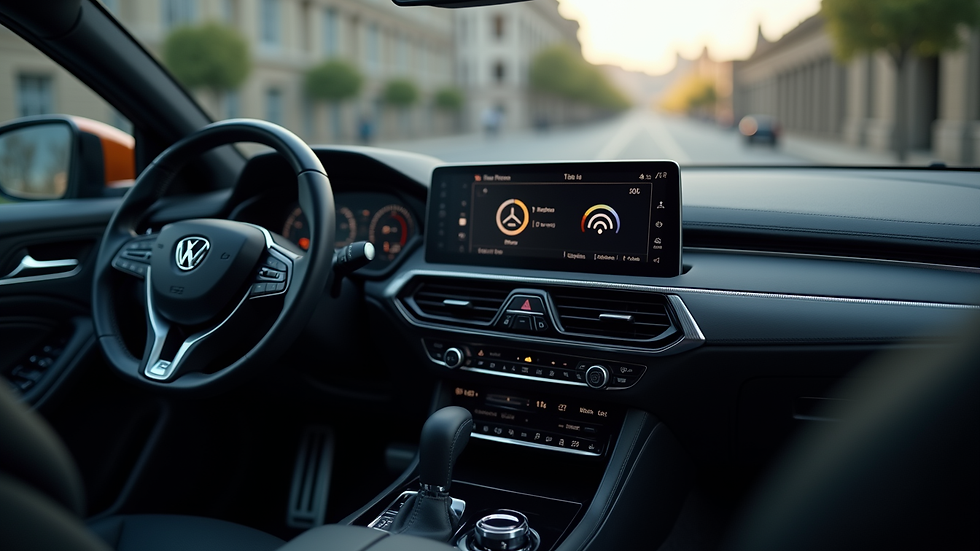
Installation Tips for Ottocast U2 Air Pro
Once you receive your Ottocast U2 Air Pro, installation is usually simple but requires attention to detail. Here are some tips to ensure a smooth setup:
Read the manual carefully - The user guide provides step-by-step instructions tailored to your car model.
Use the correct USB port - The device typically connects to the USB port used for Apple CarPlay or Android Auto.
Keep your phone’s Bluetooth and Wi-Fi enabled - Wireless connection depends on these settings.
Restart your car’s infotainment system if needed - Sometimes a reboot helps the device initialize properly.
Update firmware regularly - Check for updates through the Ottocast app or website to maintain optimal performance.
If you encounter issues, customer support from the seller or Ottocast’s official channels can assist you. Proper installation maximizes the benefits of your new device.
Enhancing Your Driving Experience with Ottocast U2 Air Pro
Upgrading your car with the Ottocast U2 Air Pro transforms how you interact with your vehicle’s infotainment system. Wireless connectivity means fewer distractions and a cleaner dashboard. You can access navigation apps like Apple Maps or Google Maps effortlessly, stream music from your favourite services, and make hands-free calls.
The device also supports voice assistants such as Siri and Google Assistant, allowing you to control functions using simple voice commands. This feature enhances safety by reducing the need to touch your phone or screen while driving.
For car owners in Australia, this upgrade is particularly valuable. Many vehicles on the road have infotainment systems that do not support wireless CarPlay or Android Auto natively. The Ottocast U2 Air Pro bridges this gap, making advanced technology accessible without replacing the entire system.
If you want to explore options, you can find the ottocast u2 air pro buy online link here for a reliable purchase.
Final Thoughts on Upgrading Your Car’s Infotainment
Investing in the Ottocast U2 Air Pro is a practical way to modernise your car’s technology. Buying online offers convenience, competitive pricing, and access to detailed product information. By choosing a reputable seller and following installation guidelines, you can enjoy wireless Apple CarPlay and Android Auto with ease.
This device enhances safety, convenience, and entertainment during your drives. It is a smart upgrade for any car owner looking to improve their in-car experience without extensive modifications.
Consider your options carefully and take advantage of online resources to make the best purchase decision. Your car’s infotainment system will thank you.
This post aims to provide clear and practical advice for car owners interested in upgrading their infotainment systems with the Ottocast U2 Air Pro.


Comments