
Understanding Ottocast Wireless System and Its Features
- Dom

- Mar 2
- 4 min read
Upgrading your car’s infotainment system can significantly improve your driving experience. Many vehicles come with built-in systems that may not support the latest wireless technologies. This is where the Ottocast wireless system comes in. It offers a practical solution to add wireless Apple CarPlay and Android Auto to your existing setup. In this post, I will walk you through what the Ottocast wireless system is, its key features, and how it can benefit car owners looking to enhance their in-car technology.
What Is the Ottocast Wireless System?
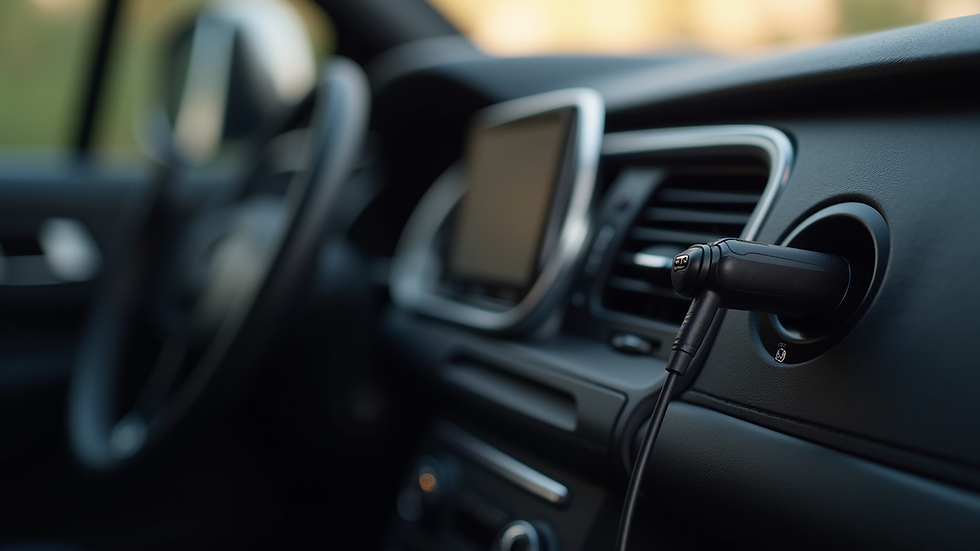
The Ottocast wireless system is a device designed to enable wireless connectivity for Apple CarPlay and Android Auto in vehicles that originally only support wired connections. This means you can connect your smartphone to your car’s infotainment system without the need for cables. The system plugs into your car’s USB port and communicates with your phone via Wi-Fi and Bluetooth.
This wireless upgrade is especially useful for drivers who want to reduce cable clutter and enjoy a seamless connection every time they enter their vehicle. The Ottocast system supports both Apple and Android devices, making it versatile for a wide range of users.
Key Features of the Ottocast Wireless System
Wireless Apple CarPlay and Android Auto: Connect your phone wirelessly to access navigation, music, calls, and messages.
Plug-and-Play Installation: No complicated setup is required. Simply plug the device into your car’s USB port.
Stable Connection: Uses Wi-Fi and Bluetooth to maintain a reliable connection.
Compatibility: Works with many car models that support wired CarPlay or Android Auto.
Compact Design: Small and unobtrusive, it fits neatly in your car without taking up space.

How the Ottocast Wireless System Enhances Your Car Experience
Using the Ottocast wireless system can transform how you interact with your car’s infotainment. Here are some practical benefits:
Convenience: No more fumbling with cables every time you get in the car. Your phone connects automatically when you start the vehicle.
Safety: Wireless connection encourages hands-free use of your phone’s features, reducing distractions.
Clean Interior: Eliminates the need for charging cables running across the dashboard or console.
Multi-User Friendly: If multiple drivers use the car, each can connect their phone wirelessly without swapping cables.
Future-Proofing: Adds wireless functionality to older infotainment systems, extending their usefulness.
For example, if you frequently use Apple Maps or Google Maps for navigation, the wireless connection ensures you can access these apps without plugging in your phone. Similarly, streaming music or making calls becomes easier and safer.
Is Ottocast a Chinese Company?
Understanding the origin of the Ottocast wireless system can be important for some buyers. Ottocast is a company based in China. It specializes in automotive technology solutions, particularly in wireless connectivity for in-car infotainment systems. The company has gained recognition for producing reliable and affordable wireless adapters that enhance existing car systems.
Despite being a Chinese company, Ottocast products are designed to meet international standards and are available in many countries, including Australia. The brand focuses on delivering quality products that improve the driving experience without requiring a full infotainment system replacement.
Installation and Compatibility Considerations
Installing the Ottocast wireless system is straightforward but requires some attention to compatibility. Here are some points to consider:
Check Your Car’s Compatibility: The device works with vehicles that already support wired Apple CarPlay or Android Auto. It does not add these features if your car does not have them.
USB Port Location: The device plugs into the USB port used for CarPlay or Android Auto. Make sure this port is accessible.
Power Supply: The device draws power from the USB port, so no additional power source is needed.
Software Updates: Ottocast provides firmware updates to improve performance and compatibility. It’s advisable to keep the device updated.
Smartphone Requirements: Your phone should support wireless CarPlay or Android Auto, and have the latest OS versions for best results.
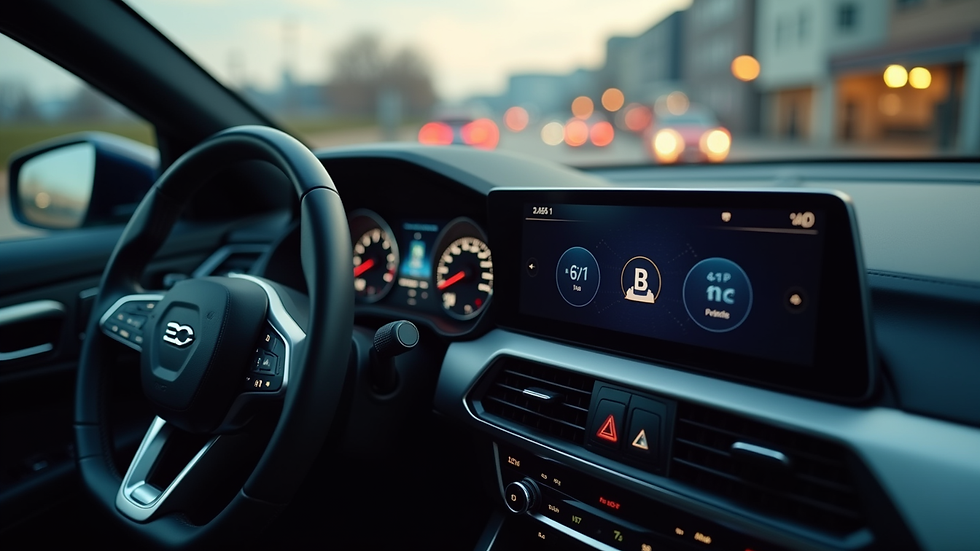
Installation typically takes just a few minutes. After plugging in the device, you pair your phone via Bluetooth and connect through Wi-Fi. The system then automatically connects whenever you enter the car.
Practical Tips for Using the Ottocast Wireless System
To get the most out of your Ottocast wireless system, consider these tips:
Keep Your Phone Updated: Ensure your smartphone’s operating system is current to avoid connectivity issues.
Use Quality USB Ports: Some cars have multiple USB ports; use the one designated for infotainment.
Avoid Interference: Wireless connections can be affected by other devices. Minimise interference by turning off unnecessary Bluetooth devices.
Regular Firmware Updates: Check Ottocast’s website or app for firmware updates to maintain optimal performance.
Secure Your Phone: Use a phone mount to keep your device visible and accessible without distraction.
By following these recommendations, you can enjoy a smooth and reliable wireless connection that enhances your driving experience.
Why Choose Ottocast for Your Wireless Upgrade?
Choosing the right wireless adapter is important. Ottocast stands out because it offers:
Affordability: Compared to replacing your entire infotainment system, Ottocast is a cost-effective upgrade.
Ease of Use: No technical skills are needed for installation or daily use.
Wide Compatibility: Supports both Apple and Android devices.
Trusted Brand: Known for quality and customer support in the automotive tech space.
For car owners in Australia, Ottocast provides a practical way to access advanced infotainment features without the expense and hassle of a full system replacement. It aligns well with the goal of making wireless CarPlay and Android Auto accessible to more drivers.
Enhancing Your Driving Experience with Wireless Connectivity
Upgrading to a wireless infotainment connection is more than just a convenience. It improves safety, reduces clutter, and makes your car feel more modern. The Ottocast wireless system is a smart choice for anyone looking to add these benefits to their existing setup.
If you want to enjoy wireless Apple CarPlay or Android Auto without buying a new car or infotainment system, this device offers a simple and effective solution. It’s designed to integrate seamlessly with your current system and provide a reliable wireless connection every time you drive.
By investing in this technology, you can focus more on the road and less on managing cables and connections. This leads to a more enjoyable and safer driving experience overall.
If you are interested in upgrading your car’s infotainment system with wireless capabilities, consider exploring the Ottocast wireless system. It could be the upgrade that transforms your daily drive.


Comments